

1. Account Settings
Enable or disable payment methods globally in your account settings. This will set what payment methods are available to your customers across Flutterwave Inline, Standard, and HTML checkout.For 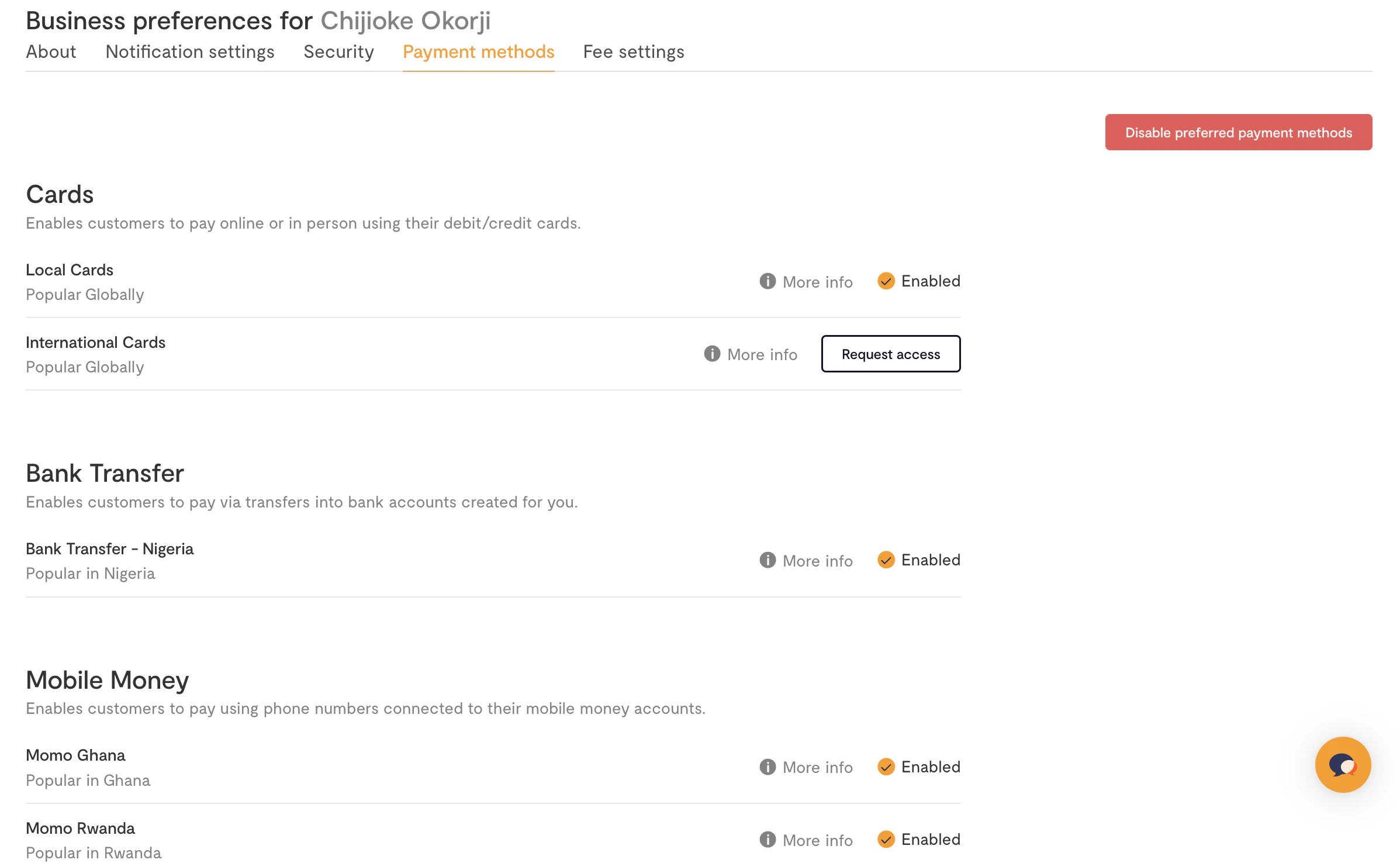
payment_options to work, you need to uncheck the Enable Dashboard
Payment Options on your Account Settings.2. Per Payment
For more control, you can also set payment methods on a per-transaction basis using thepayment_options parameter. This field accepts a comma + space separated list of allowed payment methods.
Here’s how it would look with Flutterwave Inline, Standard, and HTML checkout:
mpesa is only available for KES, so if you specify payment_options as "card, account, mpesa" when collecting an NGN payment, we’ll only show card and account payment options on the modal.
Supported Payment Methods
Here is a list of currently supported payment methods and the value to use when specifying them inpayment_options:
Please note that not all methods are supported across all countries. Countries/currencies are mapped to different payment methods in that region. You can see the full list of supported methods by region below:
Expiring Payments
Forbanktransfer payments (also called pay with Bank Transfer); you can specify an expiry period for transactions.